The 5 Tasks Every Business Is Still Doing Manually That Take 11 Minutes to Automate
There is a specific kind of waste that never shows up on a balance sheet. It does not look like a problem. It looks like work.
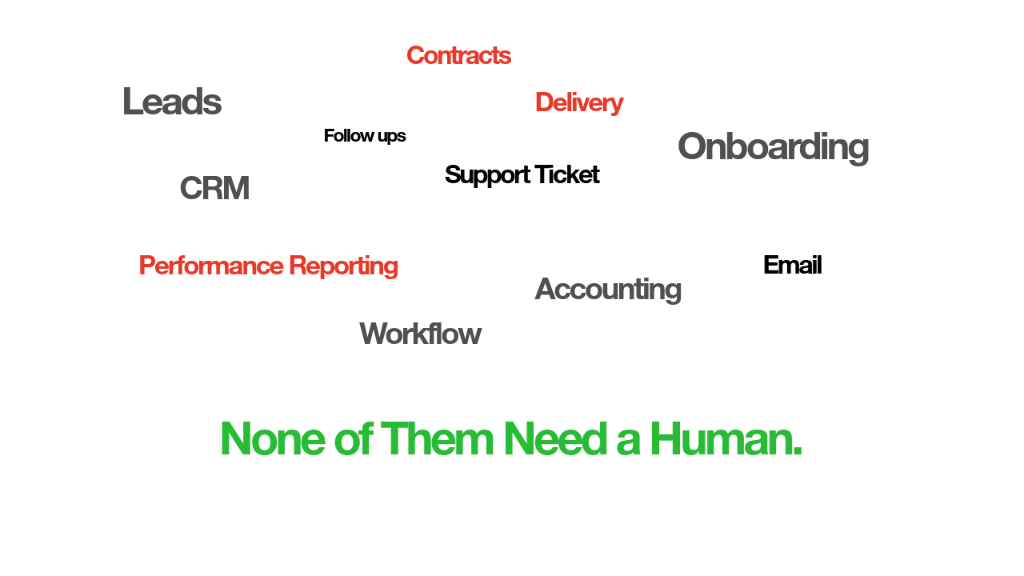
There is a specific kind of waste that never shows up on a balance sheet.
It does not look like a problem. It looks like work. Someone on the team doing their job, handling things, keeping operations moving. Except what they are handling has not required a human being for at least three years. The tools to replace it have existed the entire time. Nobody just sat down and built them.
The average operations team spends 14 hours every week on tasks a properly built workflow handles in milliseconds. Not complex tasks. Not creative tasks. Repeatable, never-changing, entirely predictable tasks that happen on the same schedule every single week without exception.
Every automation below takes under 11 minutes to build. Not because they are trivial. Because the planning is already done. Read this once, then go build the one that is costing your team the most hours.
1. New Lead Intake and CRM Entry
Every time a lead comes in through a form, an email, a LinkedIn DM, or an ad platform, someone on the team manually copies the contact details, pastes them into the CRM, assigns a rep, and sends a first-touch email.
The reason it is still manual at most companies has nothing to do with capability. The form, the CRM, and the email tool are three separate platforms and most teams have never gotten around to connecting them. So someone in marketing or sales ops does it by hand, every single time, for every single lead.
If the team handles 40 leads a week at 4 minutes each, that is 2.7 hours per week spent on copy-paste. Every week. For years.
The automation has four nodes. A trigger fires when a new form submission comes in. The first action creates a contact in the CRM. The second assigns a rep based on lead source or company size. The third sends a first-touch email directly from the rep's account. The whole workflow runs in under 3 seconds every time a lead arrives.
Build time: 7 minutes.
2. Monthly Invoice Follow-Ups
When an invoice goes unpaid past its due date, someone opens the accounting tool, checks who owes what, drafts a reminder email, sends it, and logs that the follow-up happened. Then they do it again next month. And the month after that.
A 50-client agency following up on 20% of invoices monthly burns 3 hours on this every single month. That is 36 hours a year chasing money that a workflow would have collected automatically.
The automation runs on a scheduled trigger at 9 AM daily. It queries the accounting tool for invoices that are 7 days past due, filters out anything already followed up within the last 3 days, sends a templated email from the finance address, and logs the follow-up in the CRM.
The filter step is the one people skip and then regret. Without it, clients receive duplicate emails within days of each other and call to complain. Build the filter first.
Build time: 9 minutes.
3. New Client Onboarding
When a client signs a contract, a sequence of six things needs to happen. Welcome email. Intake form request. Slack channel creation. Notion workspace setup. First call booking. Internal handoff to the delivery team.
At 45 minutes per new client and 8 clients per month, that is 6 hours of setup work every single month. For work that is completely identical every time. For work that has never changed once.
The automation triggers when a contract is signed via DocuSign or PandaDoc. It creates a Slack channel named after the client, sends the welcome email with an intake form link, duplicates a Notion workspace from a master template, schedules the onboarding call through Calendly, and sends a Slack message to the delivery team with all client details attached.
Build time: 11 minutes.
4. Weekly Performance Reporting
Every Monday, someone pulls data from three to five different tools. Google Analytics. The CRM. Stripe. The ad platform. They paste everything into a spreadsheet or a Google Slides deck, format it to match the template, and send it to the client or to leadership.
Two hours every Monday. Fifty-two Mondays a year. That is 104 hours of report-building annually for data that is entirely capable of pulling itself.
The automation triggers on Monday at 8 AM. It fetches data from the analytics, CRM, and Stripe APIs simultaneously. A code node calculates week-over-week changes and flags anything down more than 10%. The results populate a Google Sheets template automatically. A Slack message or email goes out with the report link attached.
Build time: 10 minutes.
5. Support Ticket Triage
When a support ticket comes in through email or Intercom, someone reads it, categorises it as billing, technical, or account-related, assigns it to the right person, and sends an acknowledgement email to the customer.
The reason teams assume this one cannot be automated is that routing requires judgment. Except 80% of tickets fall into the same three or four categories and the routing rules are almost always identical.
The automation triggers when a new ticket arrives. An AI classification node reads the ticket and categorises it in under one second. The workflow routes it to the correct team member based on the category. An acknowledgement email goes to the customer immediately. The ticket gets logged for tracking.
The AI node gets the category right approximately 85% of the time. Build a fallback for anything categorised as "other" that routes to a shared inbox for human review.
Build time: 8 minutes.
None of these automations are technically complicated. Every one of them is a trigger, two to five actions, and a filter or a conditional.
The reason they stay manual is not technical at all. Nobody has two uninterrupted hours to sit down, plan the whole thing, and build it cleanly. Everyone has 11 minutes between meetings and no clear picture of where to start.
The bottleneck is never the tools. It is always the planning.
If any of these five are still running manually in your business, pick one this week. Take 11 minutes. Write the logic out in plain English first. Then build it. It will be running before lunch.
Ready to automate your workflows?
Let's discuss how Senera Core can transform your enterprise.